Creative Freedom
Design like a pro — no code required. 33 articles on navigation design, brand identity, color, animation, typography, and making your menu a creative statement.
 →
→
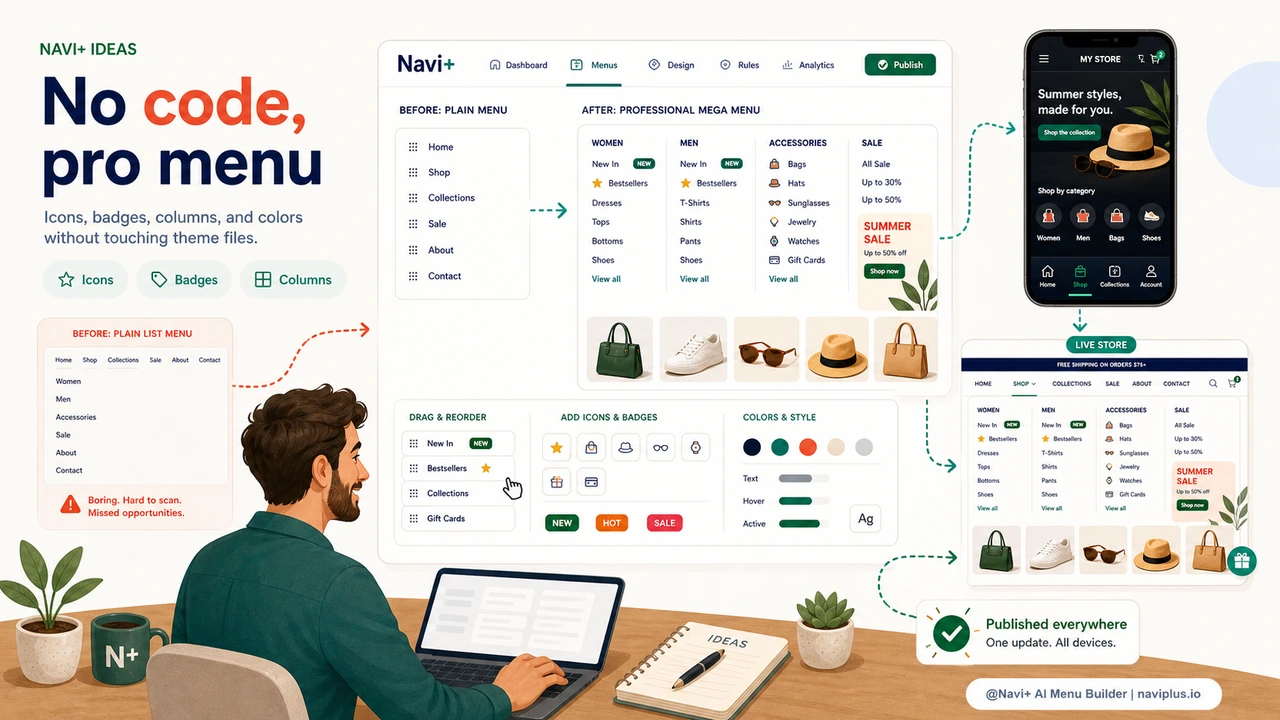
A professional-looking menu used to require a developer. Navi+ changes that.
 →
→
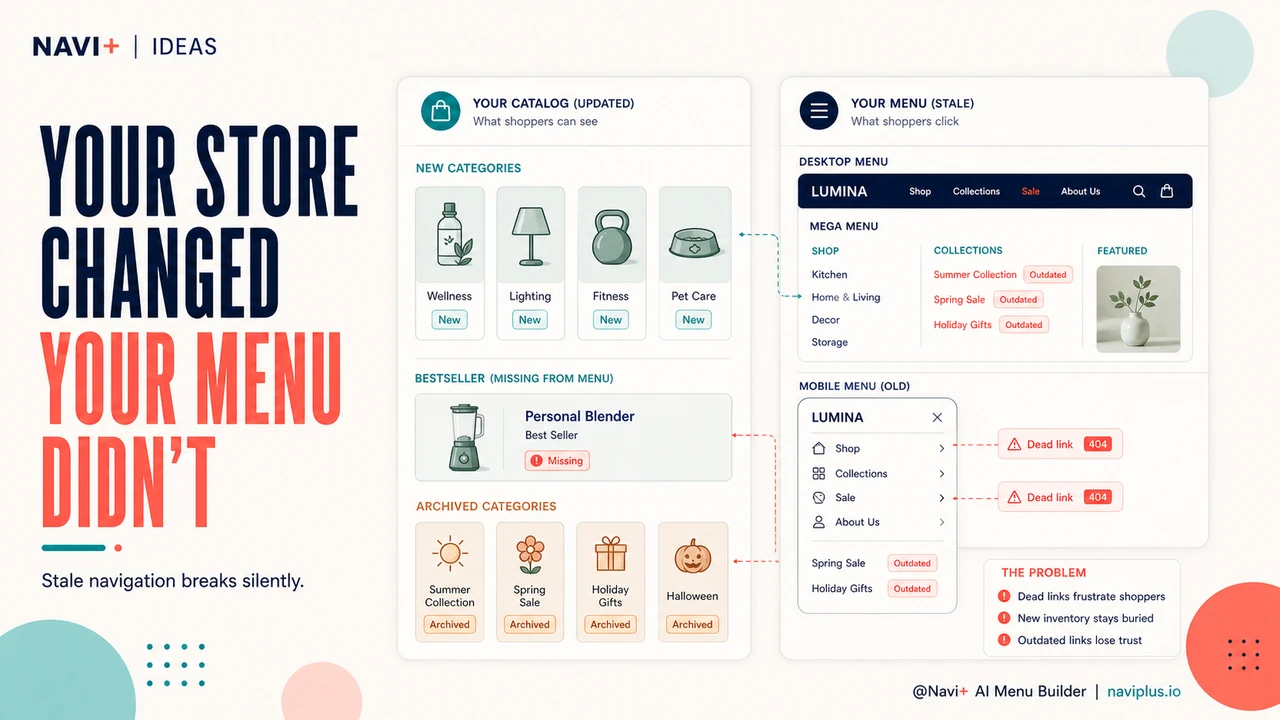
Change your menu layout, colors, and structure any time you want
 →
→
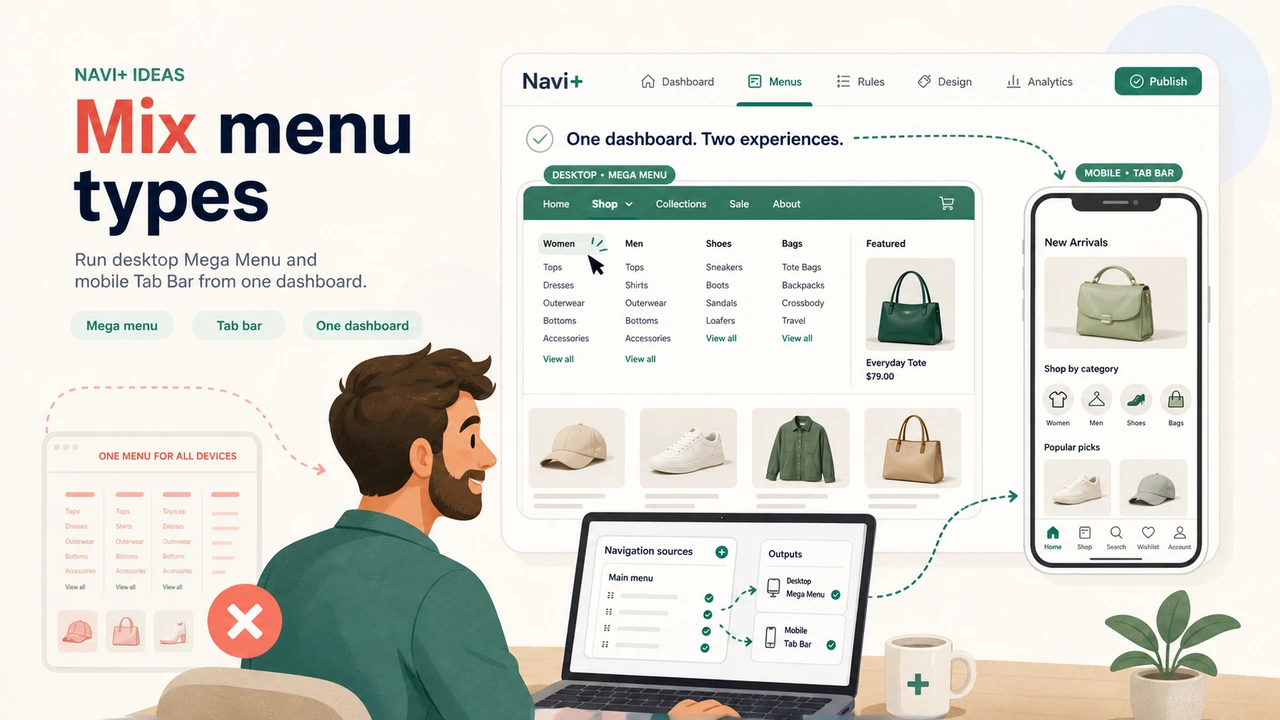
Desktop Mega Menu + mobile Tab Bar — both from one Navi+ dashboard.
 →
→
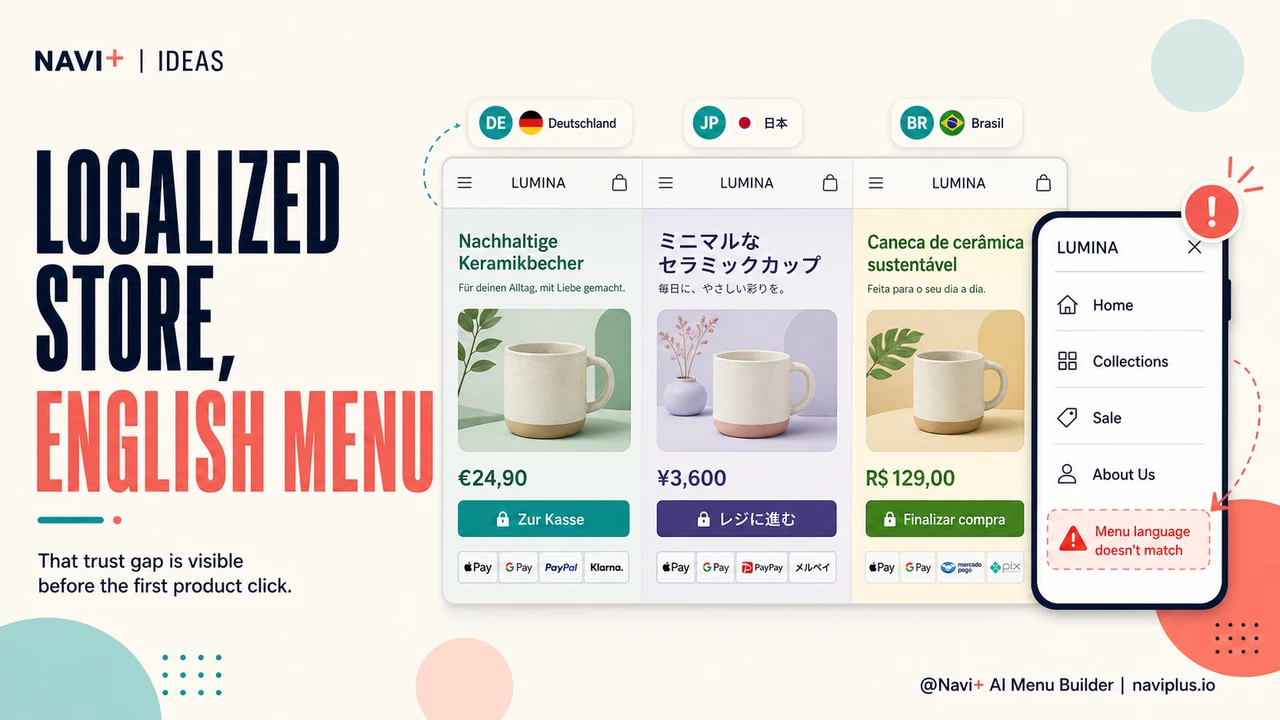
You localized your products. Navi+ AI translates your menu in one click.
 →
→
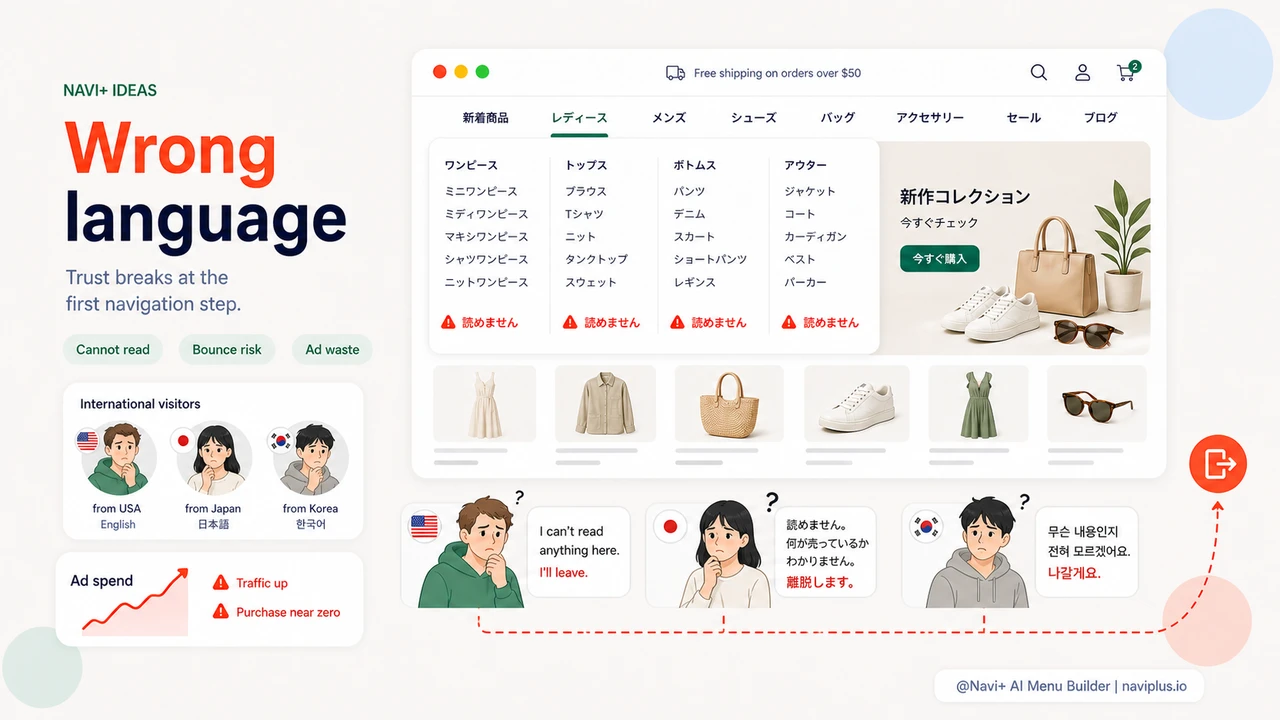
Selling internationally but the menu shows the wrong language — foreign customers lose trust immediately
 →
5 min read
→
5 min read
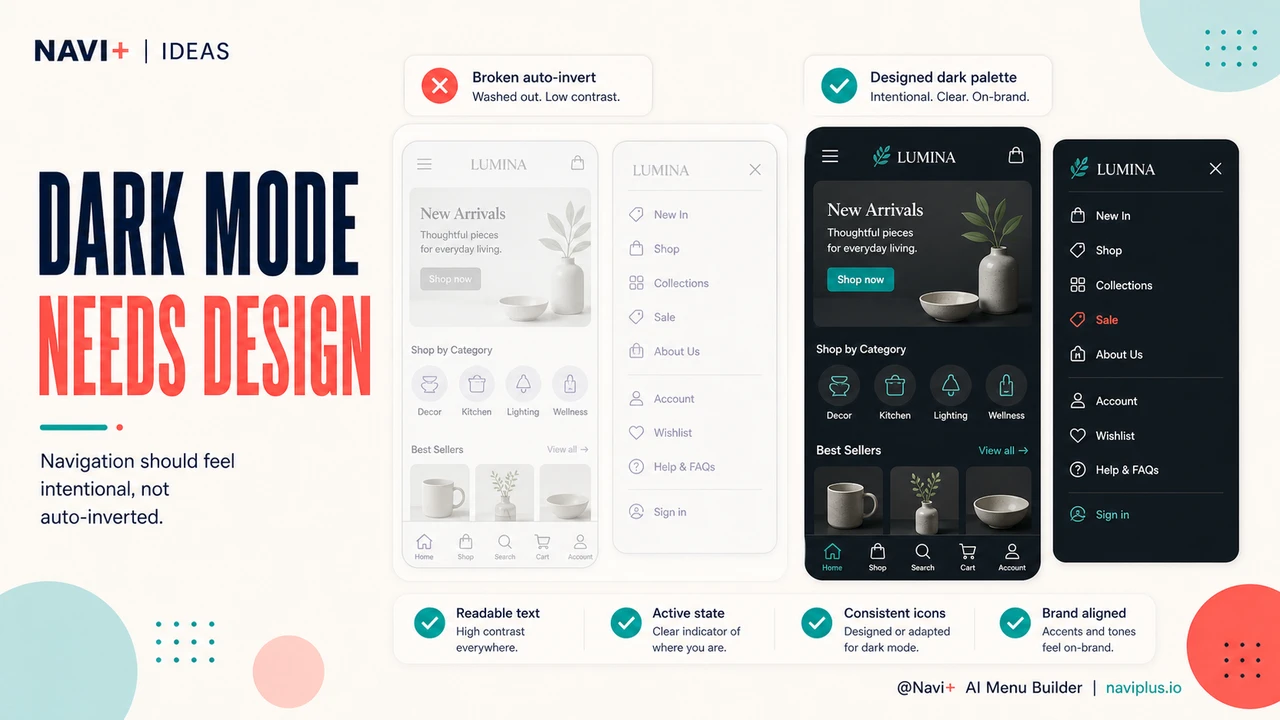
Dark mode navigation — designing for the alternative palette that 40% of shoppers prefer
 →
5 min read
→
5 min read
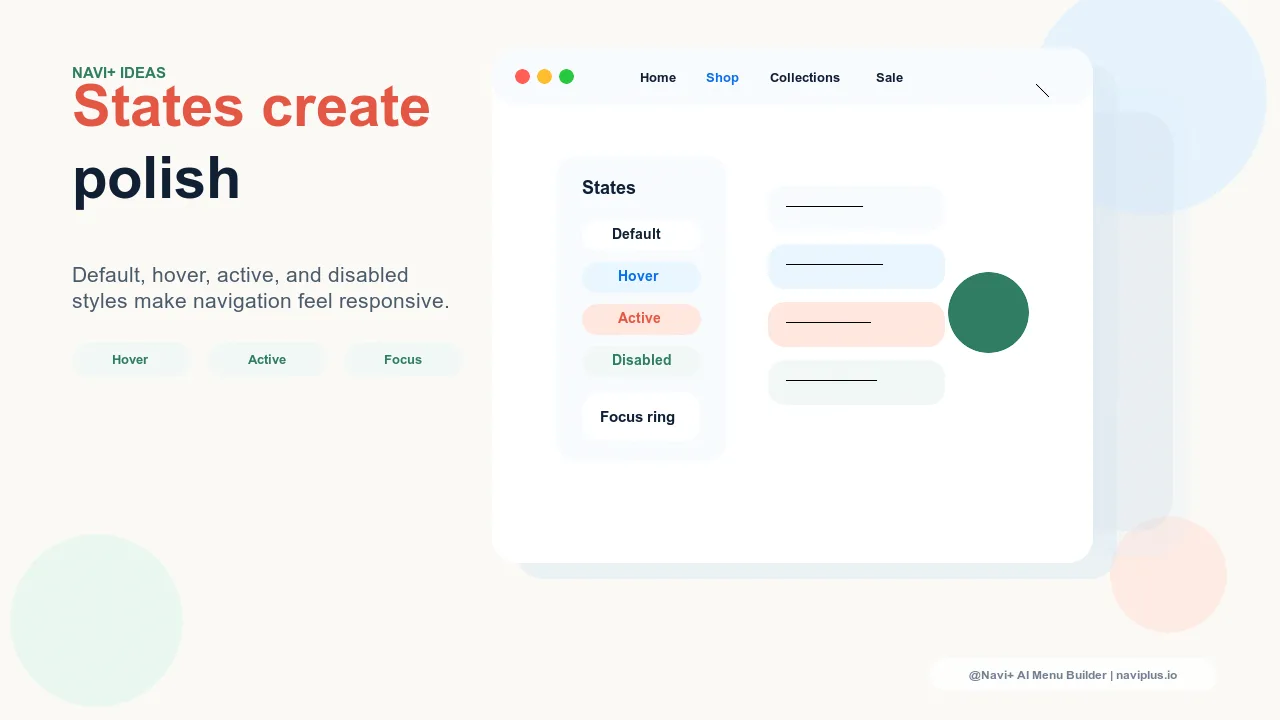
Micro-animations in navigation — where motion adds clarity and where it detracts
 →
5 min read
→
5 min read
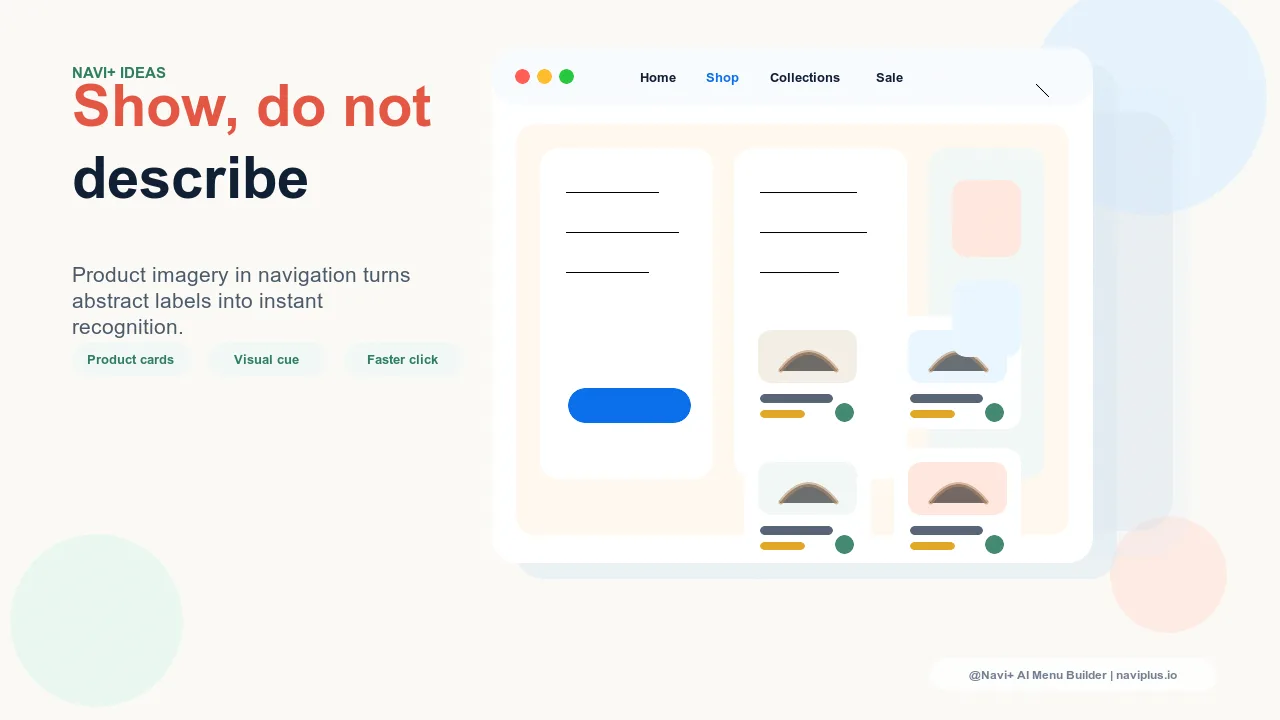
Product imagery in navigation — when showing a product beats describing a category
 →
5 min read
→
5 min read
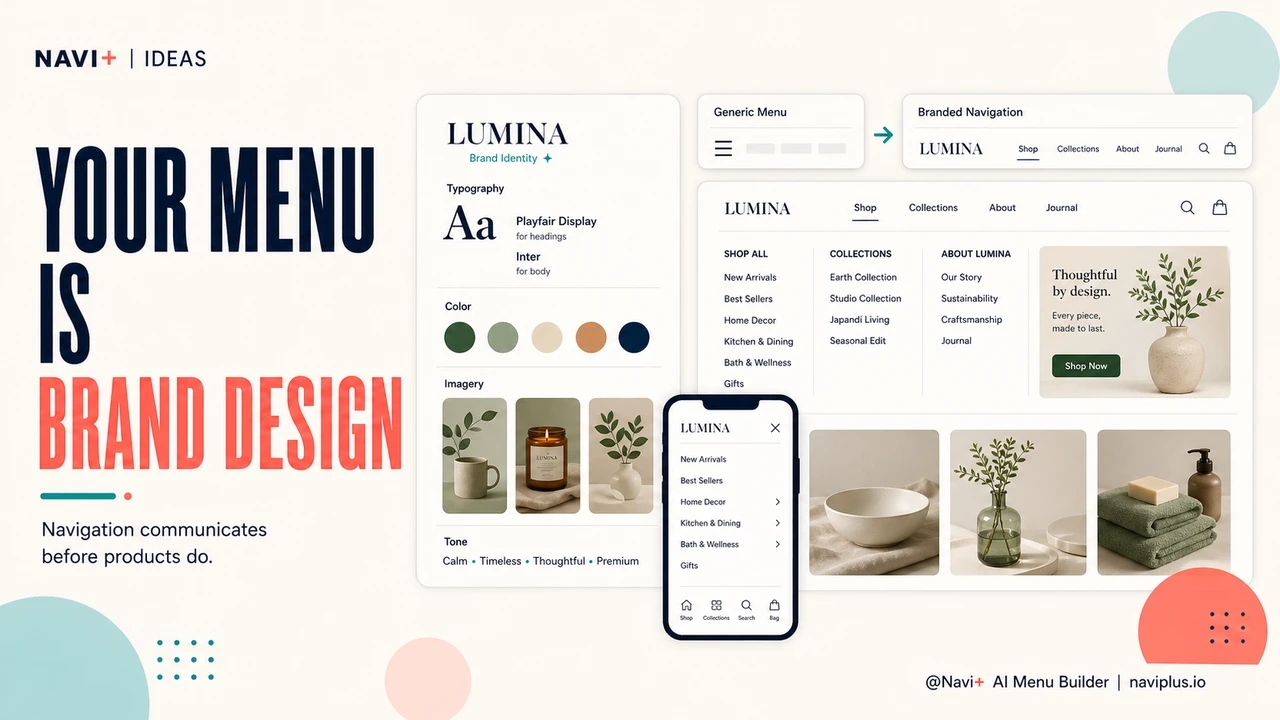
Your menu is part of your brand — most stores treat it like it isn't
 →
5 min read
→
5 min read
Refresh your navigation for each season without rebuilding the store
 →
5 min read
→
5 min read
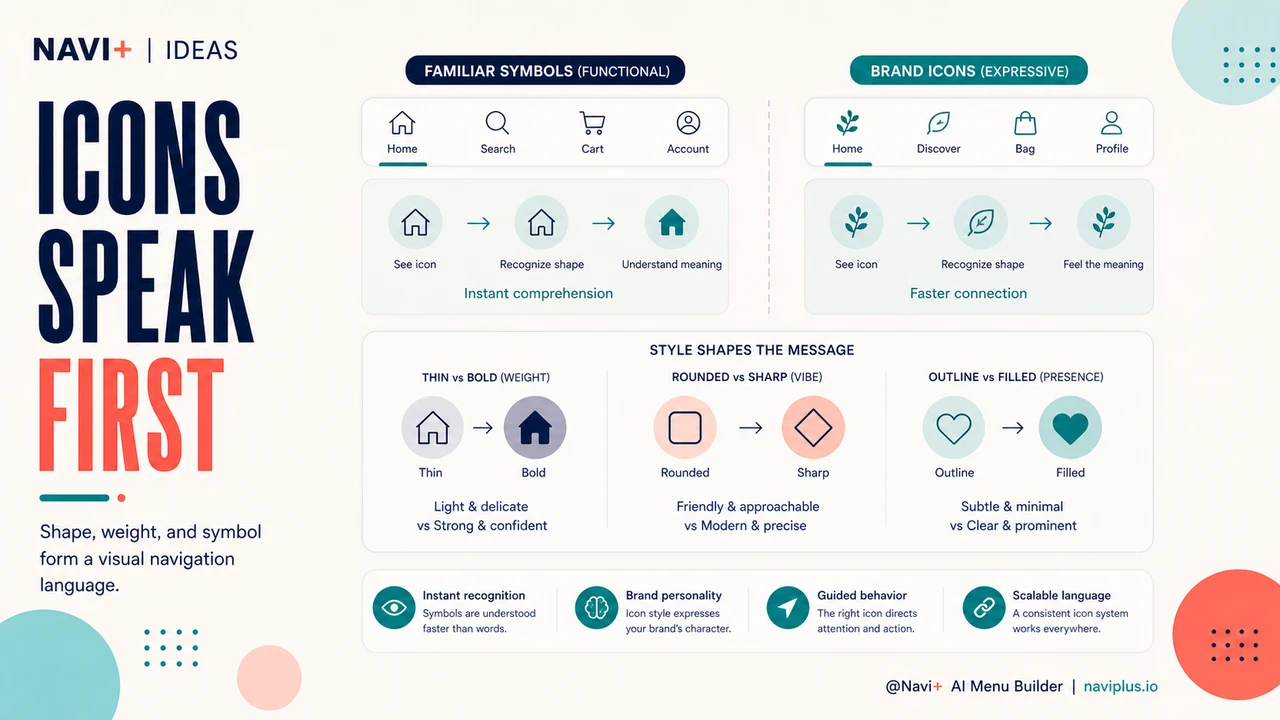
Icons speak before words do — the visual language of great navigation
 →
5 min read
→
5 min read
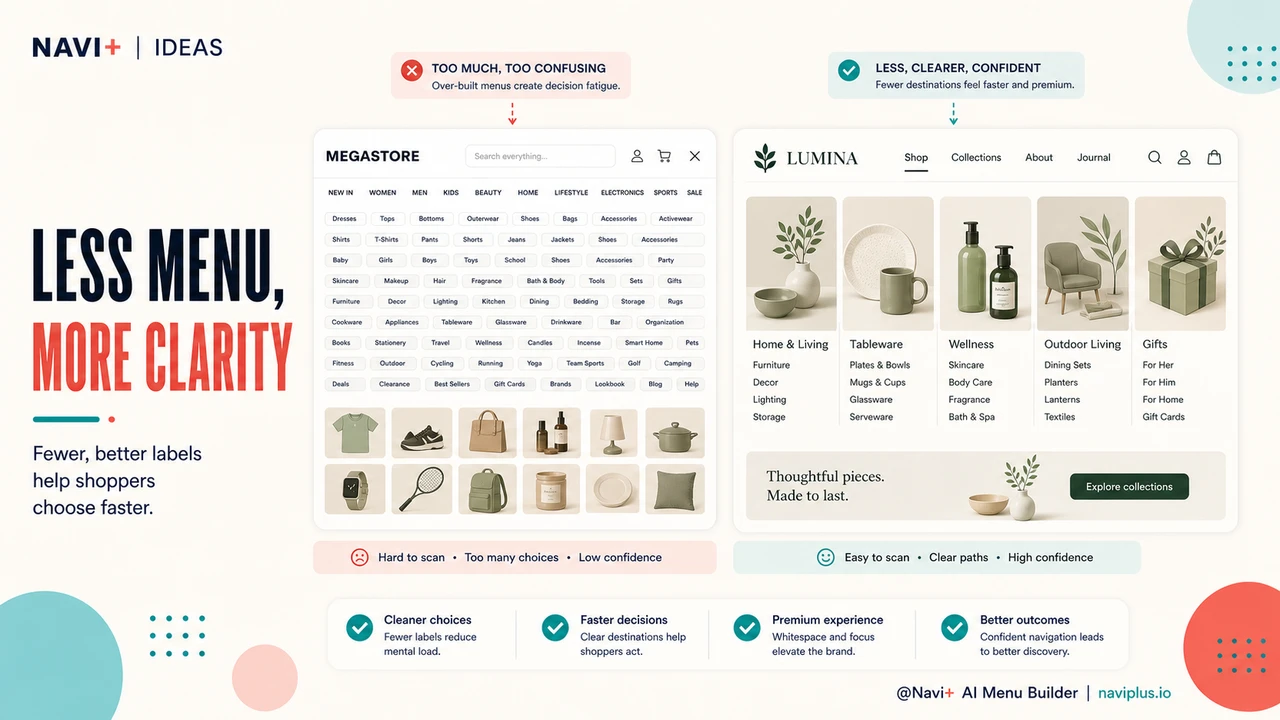
Less is more in navigation — the case for radical simplicity
 →
5 min read
→
5 min read
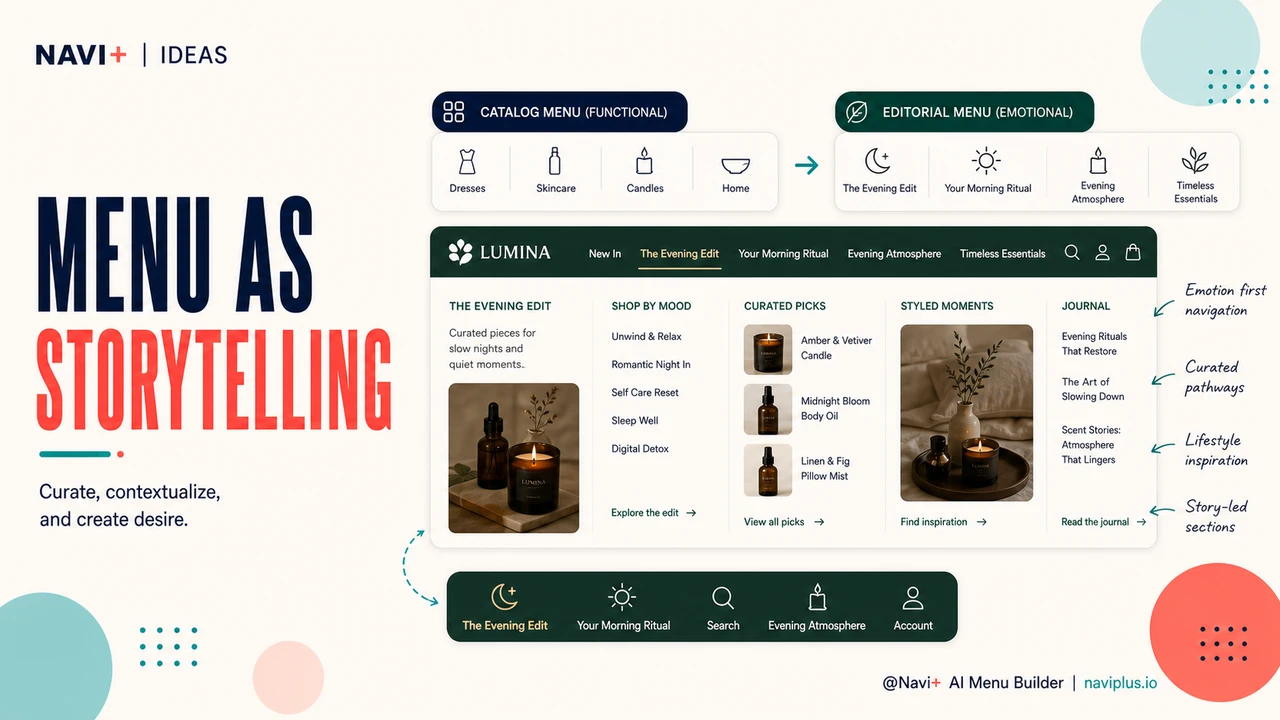
When your menu tells a story: editorial navigation for brand-forward stores
 →
5 min read
→
5 min read
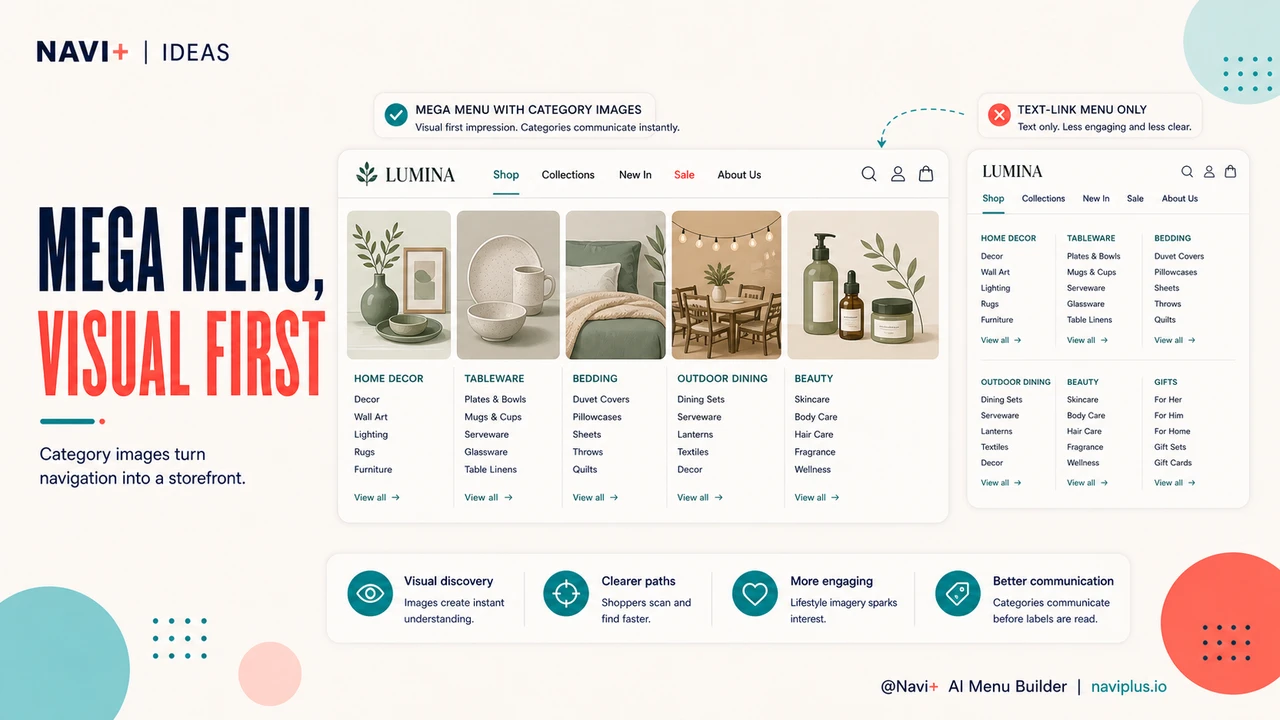
Category photography in your Mega Menu — the visual first impression that drives clicks
 →
5 min read
→
5 min read
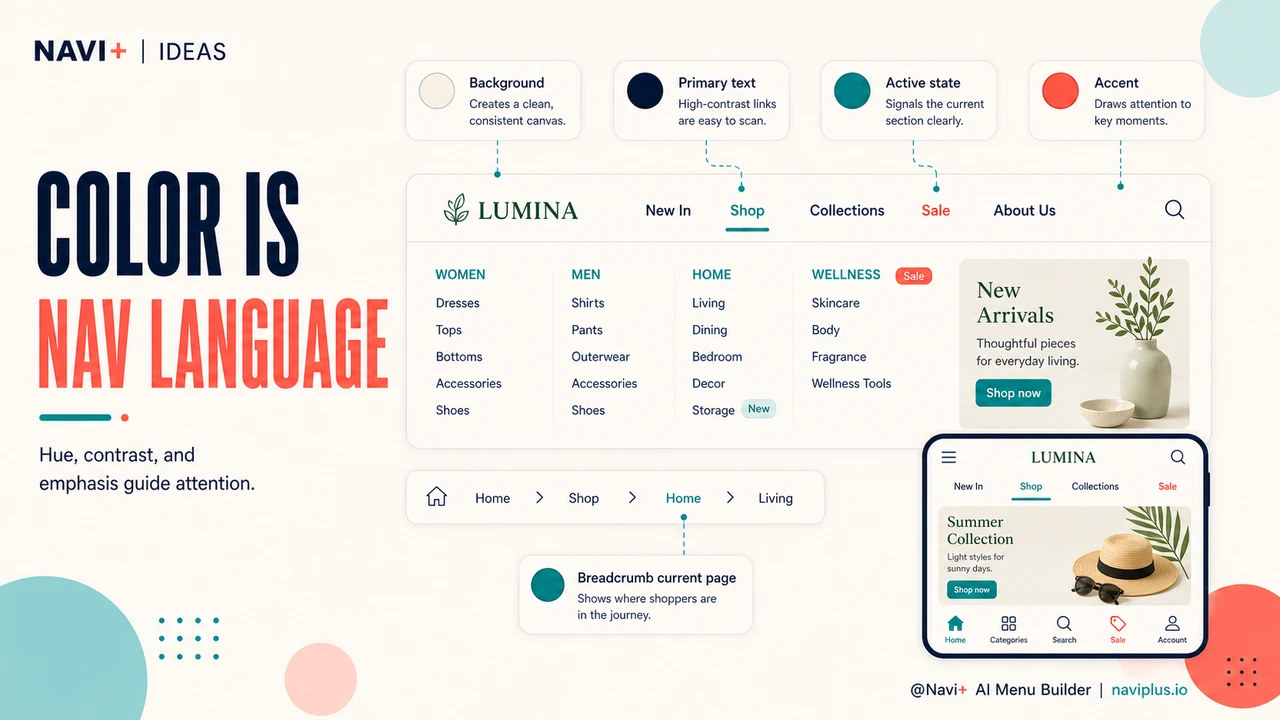
Color as navigation language — how hue, contrast, and emphasis guide attention in menus
 →
5 min read
→
5 min read
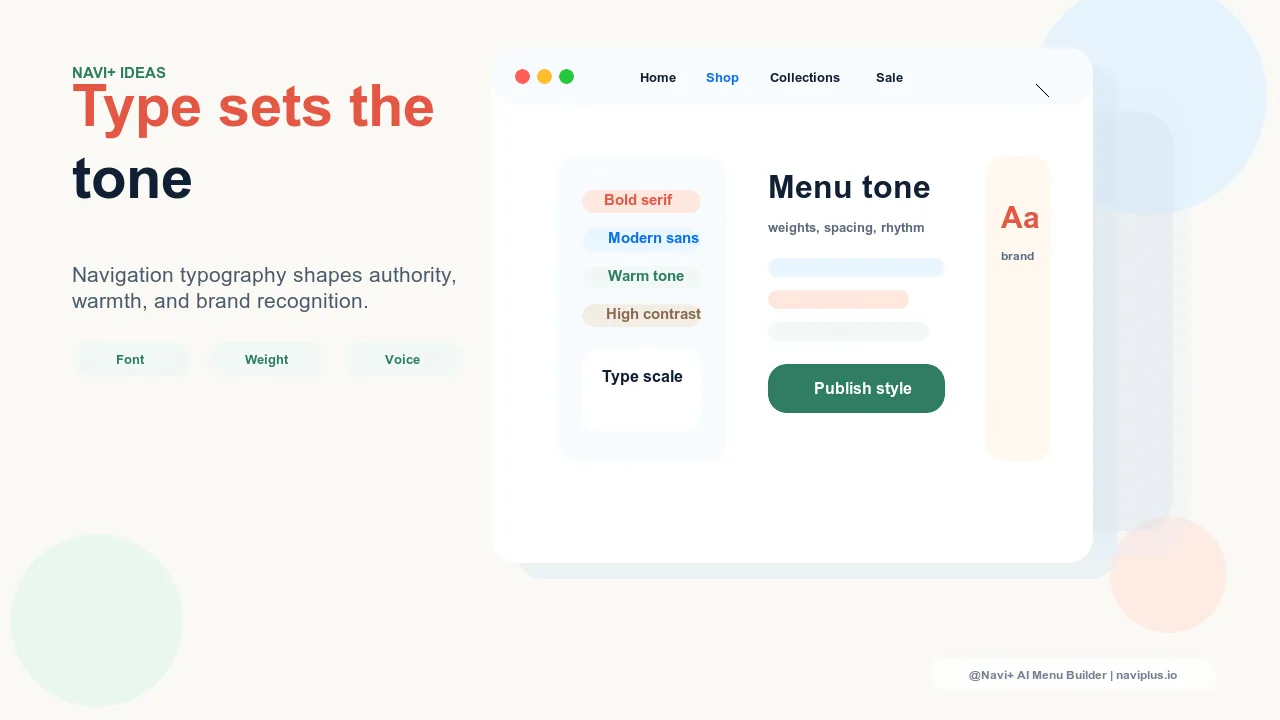
Typography in navigation — how font choices shape authority, warmth, and brand recognition
 →
5 min read
→
5 min read
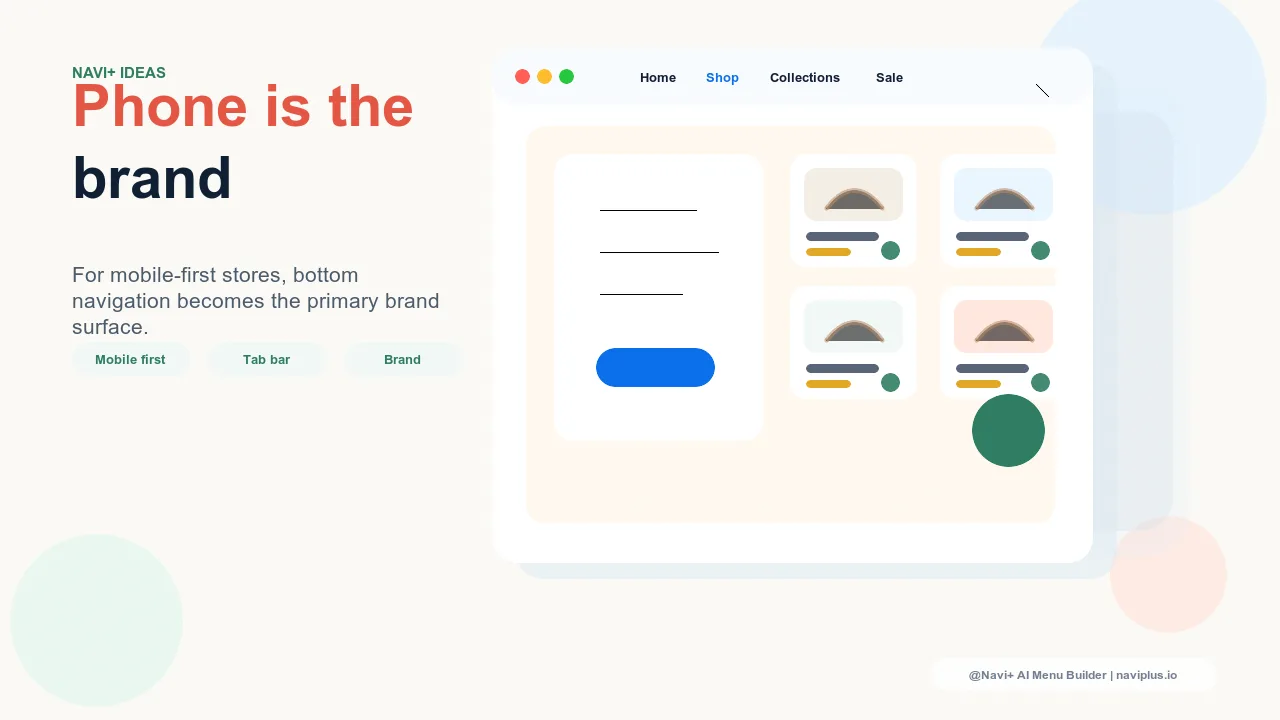
Mobile-first navigation design — when the phone experience is the primary brand expression
 →
5 min read
→
5 min read
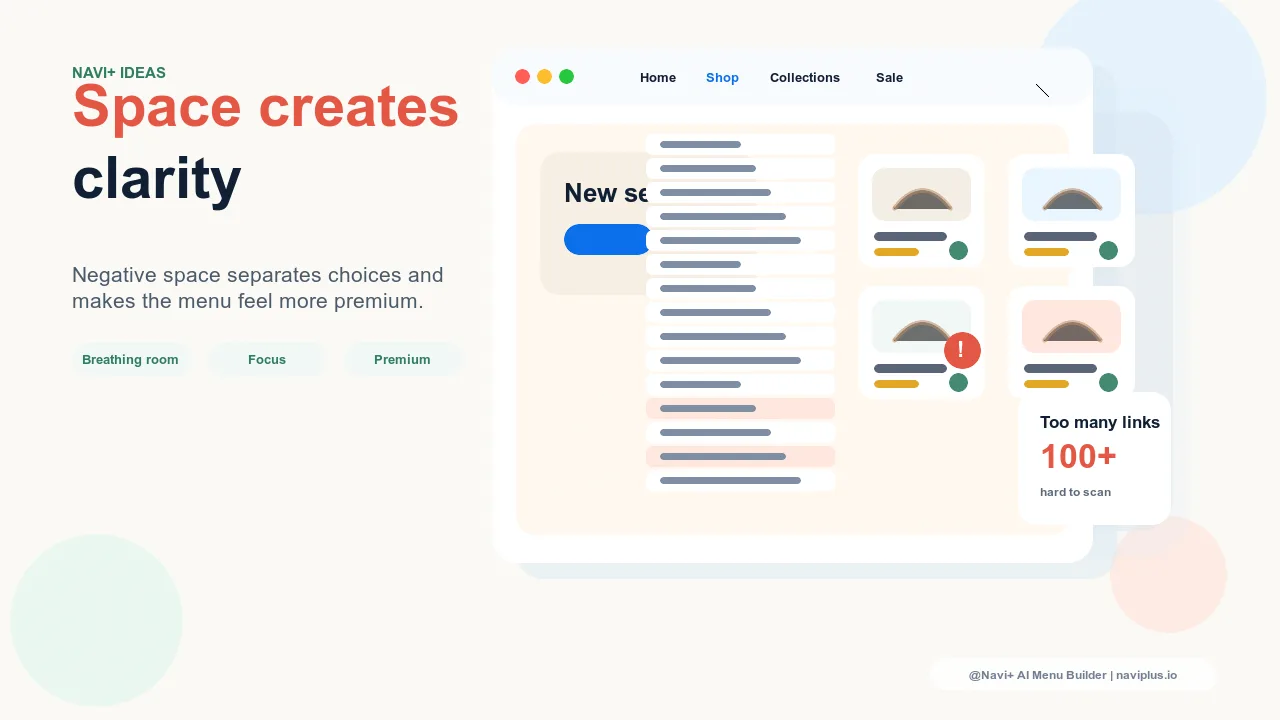
Whitespace in navigation design — how negative space signals premium and creates visual clarity
 →
5 min read
→
5 min read
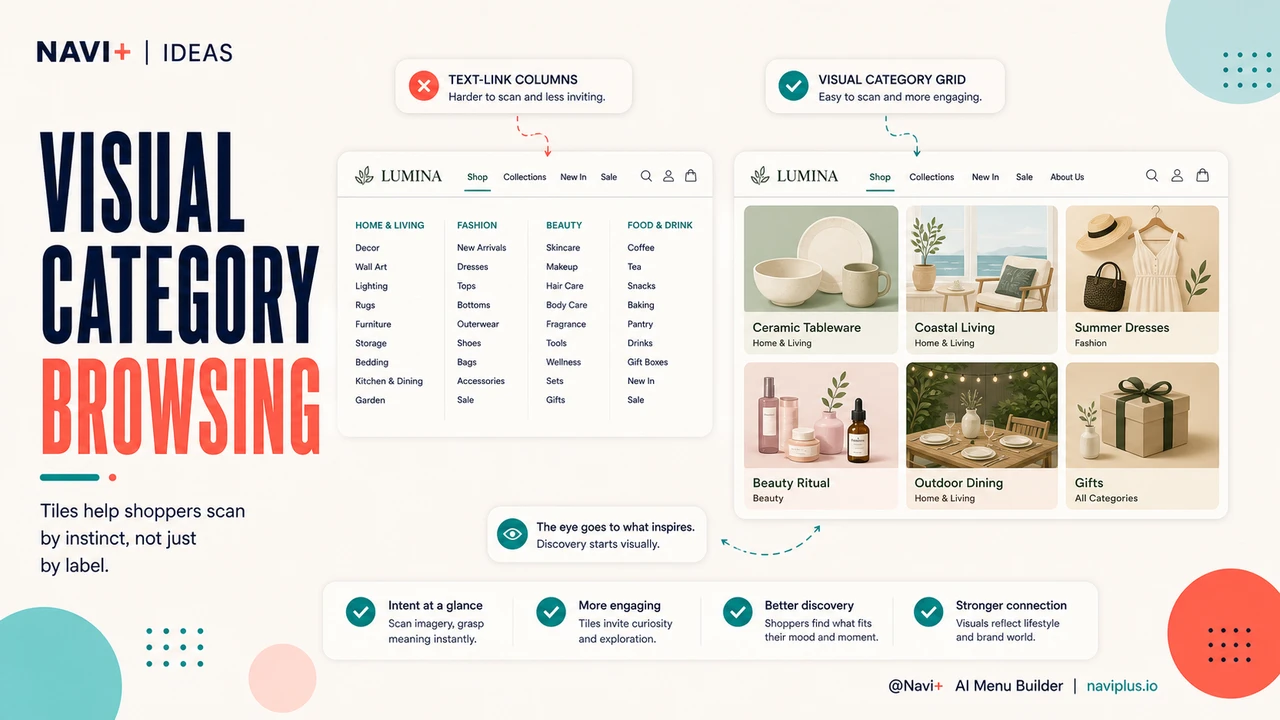
Grid navigation design — visual category browsing for image-driven product discovery
 →
5 min read
→
5 min read
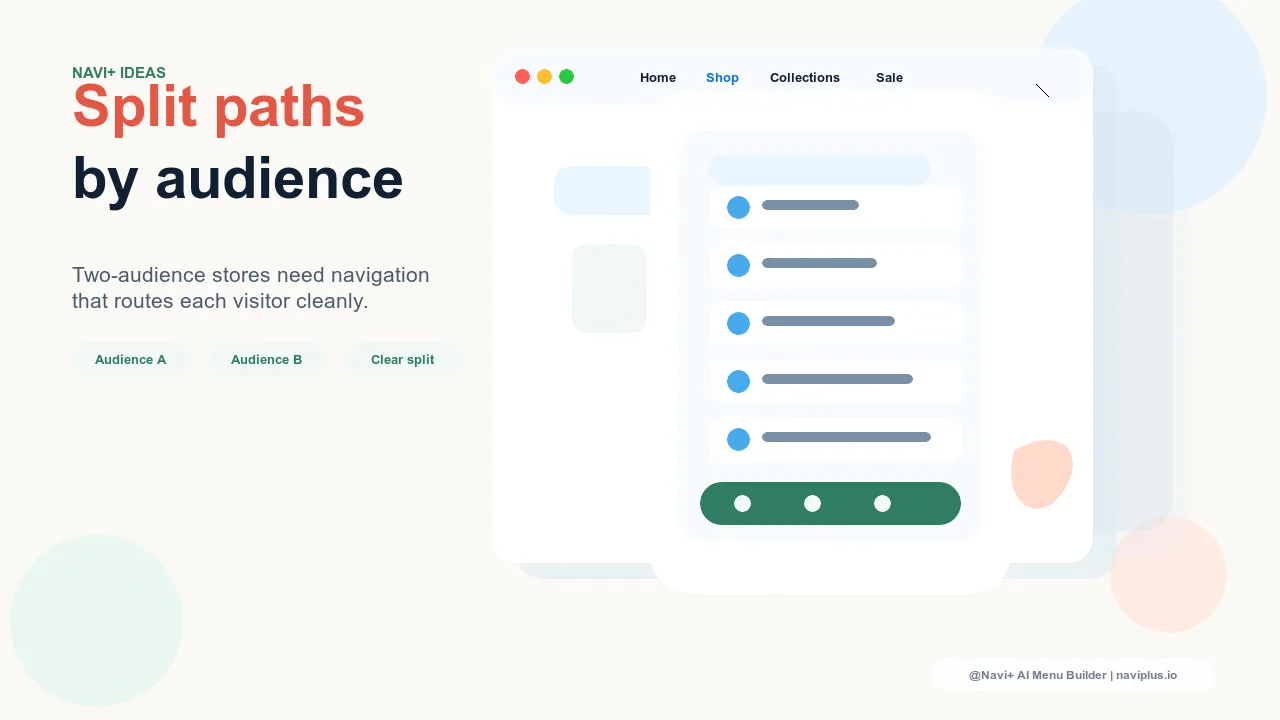
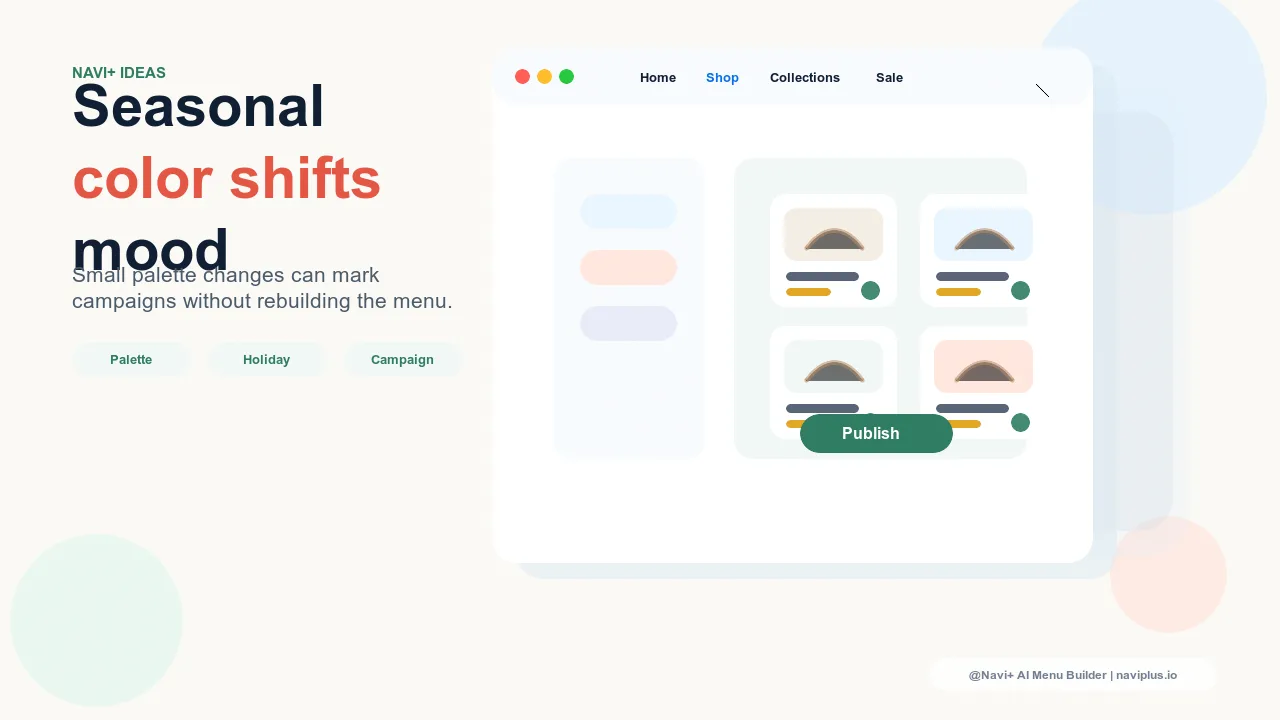
Split-panel navigation — designing for stores that serve two distinct audiences
 →
5 min read
→
5 min read
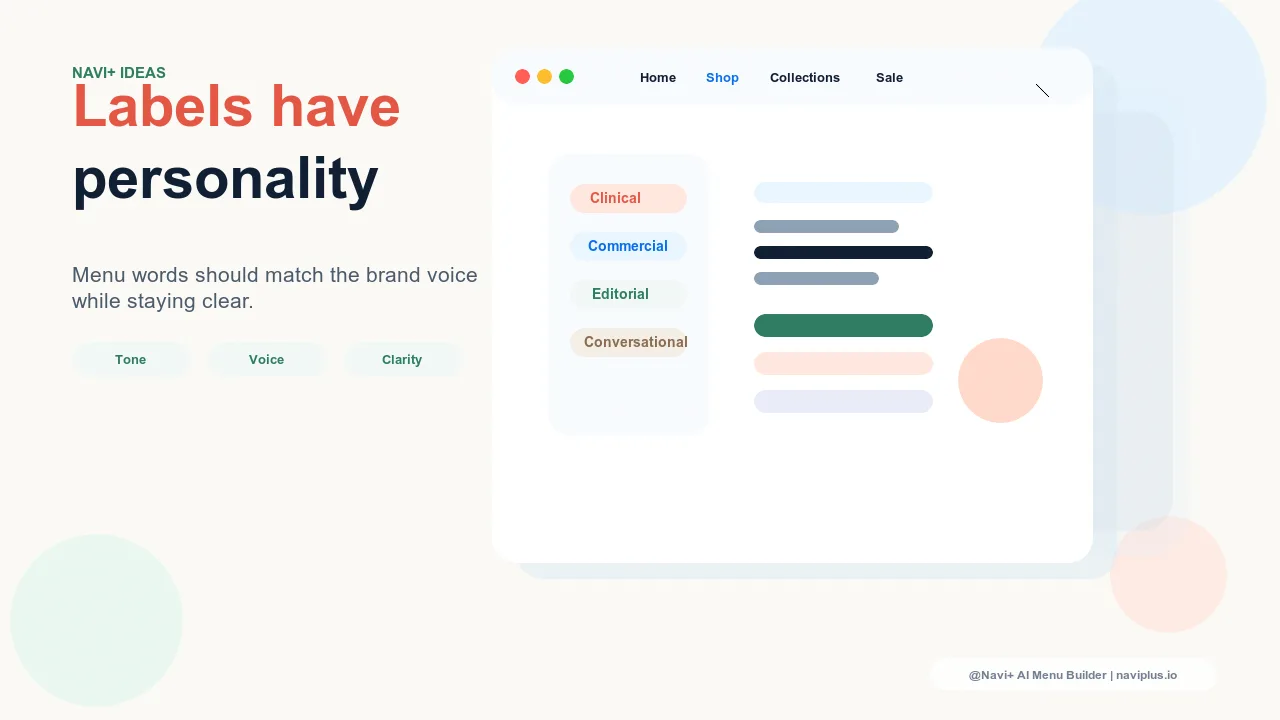
Seasonal color in navigation — how to update your menu palette for holidays without a full redesign
 →
5 min read
→
5 min read
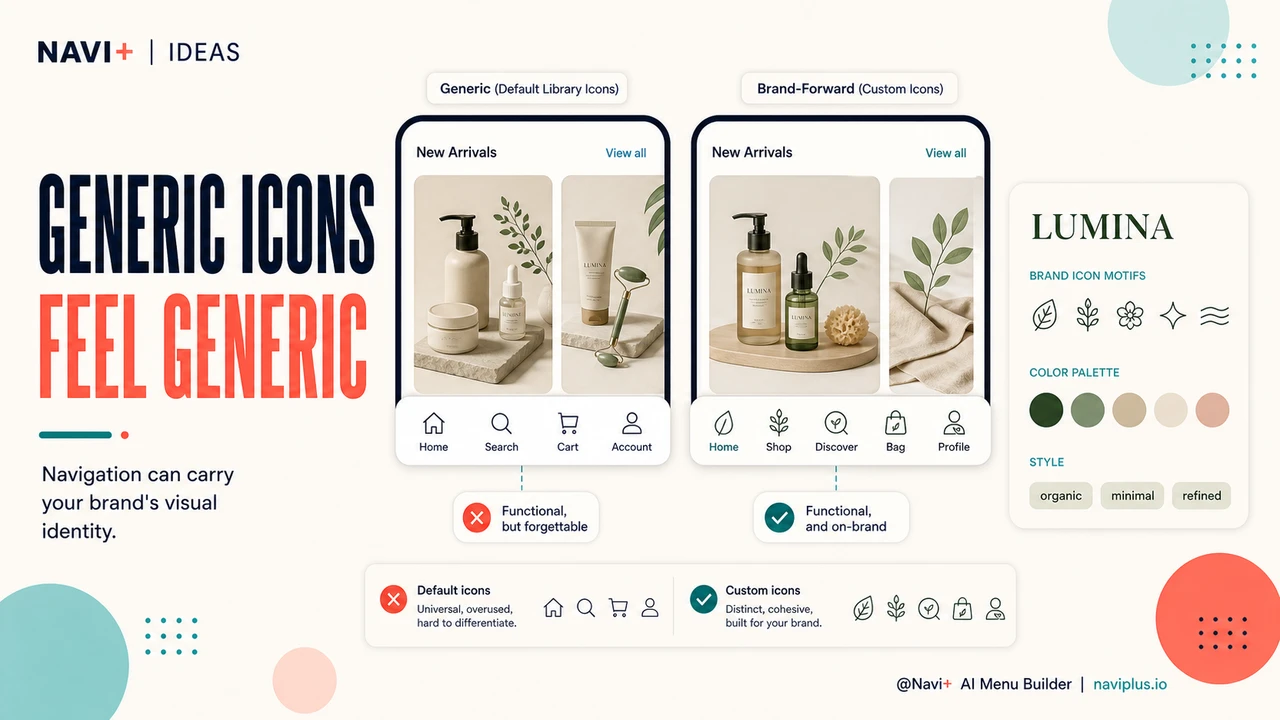
Navigation language and tone — how the words in your menu labels reflect brand personality
 →
5 min read
→
5 min read
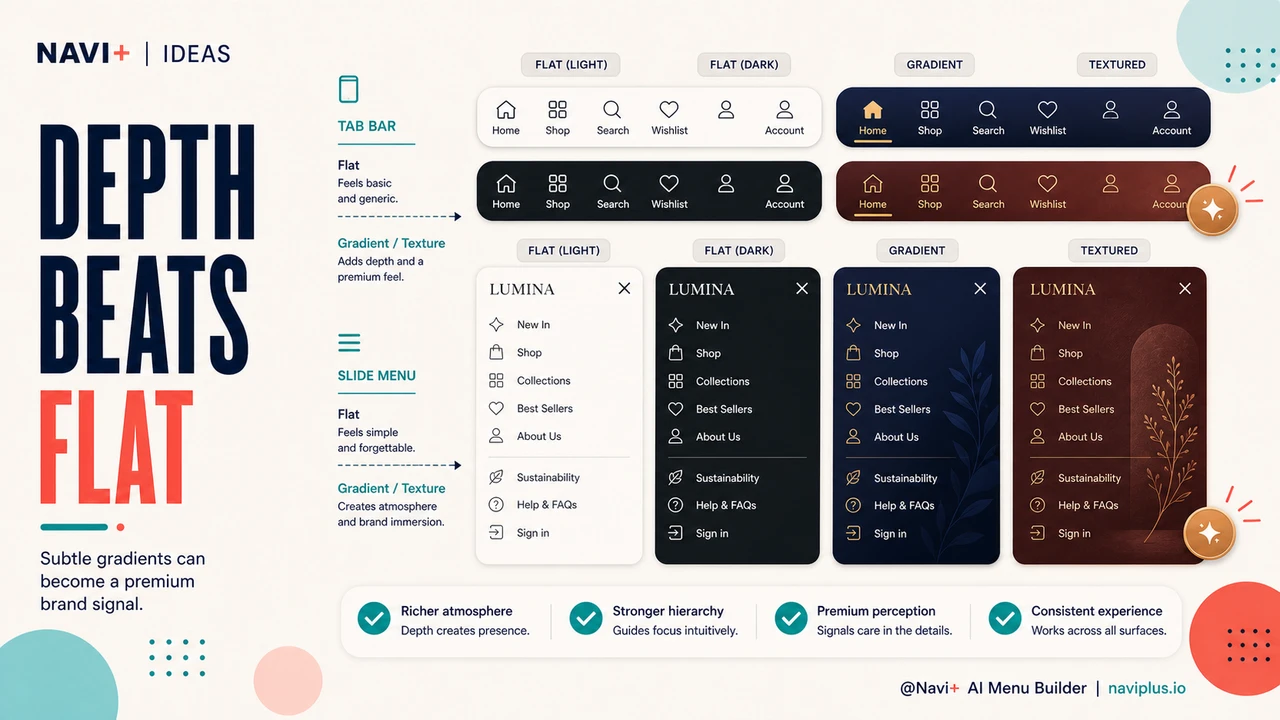
Custom icons in navigation — when bespoke icon design is worth the investment and what it communicates
 →
5 min read
→
5 min read
Gradient and texture in navigation — when color depth signals premium better than flat backgrounds
 →
5 min read
→
5 min read
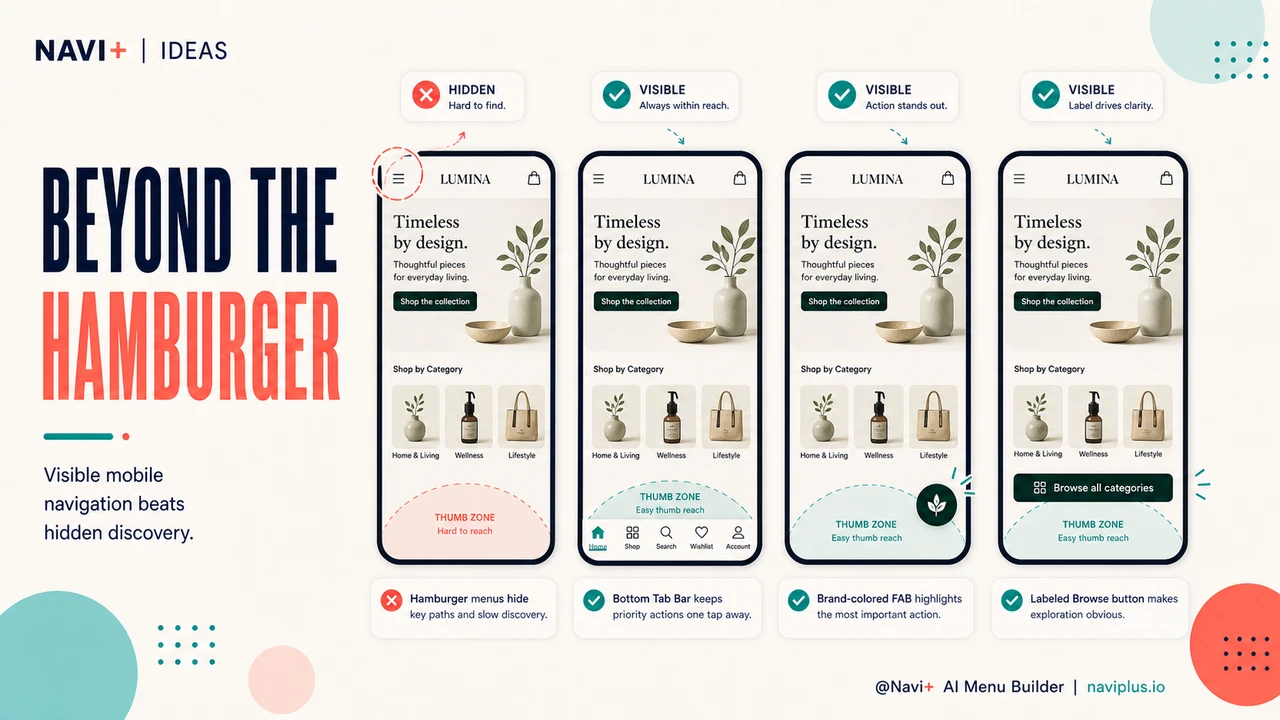
Beyond the hamburger icon — mobile navigation patterns that outperform the three-line menu
 →
5 min read
→
5 min read
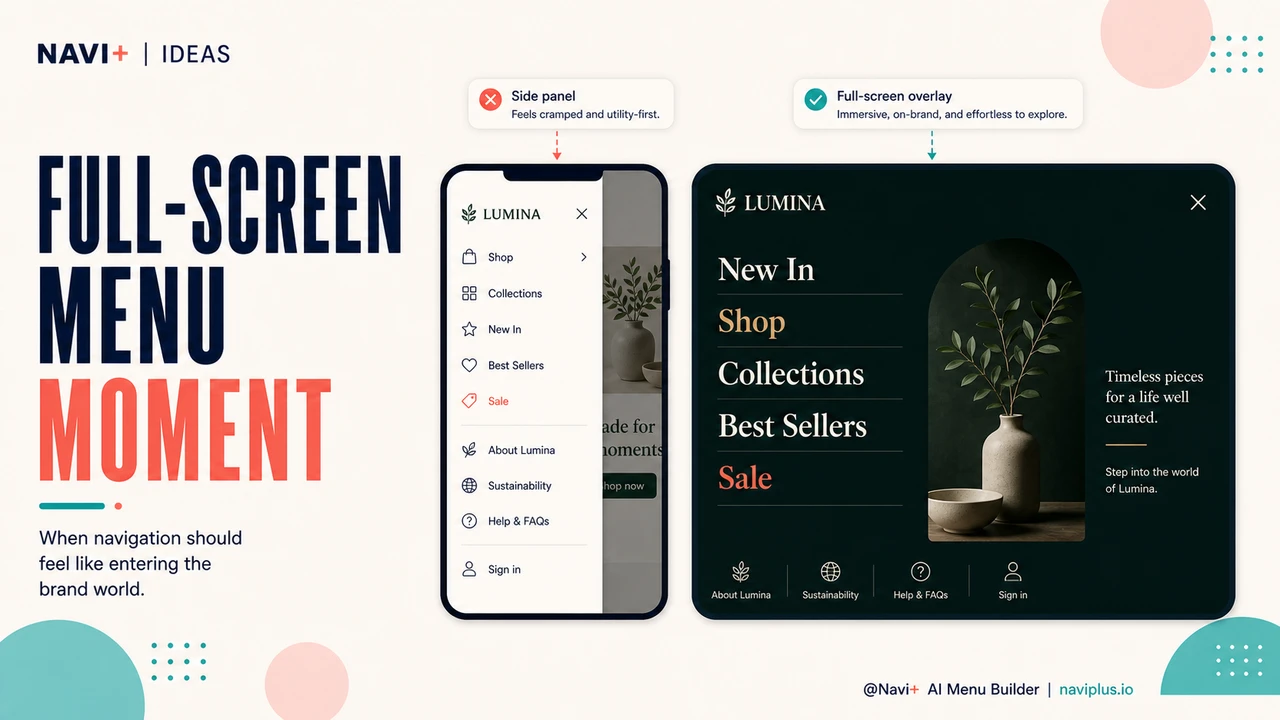
Full-screen overlay navigation — when a full-page menu serves brand identity and usability better than a side panel
 →
5 min read
→
5 min read
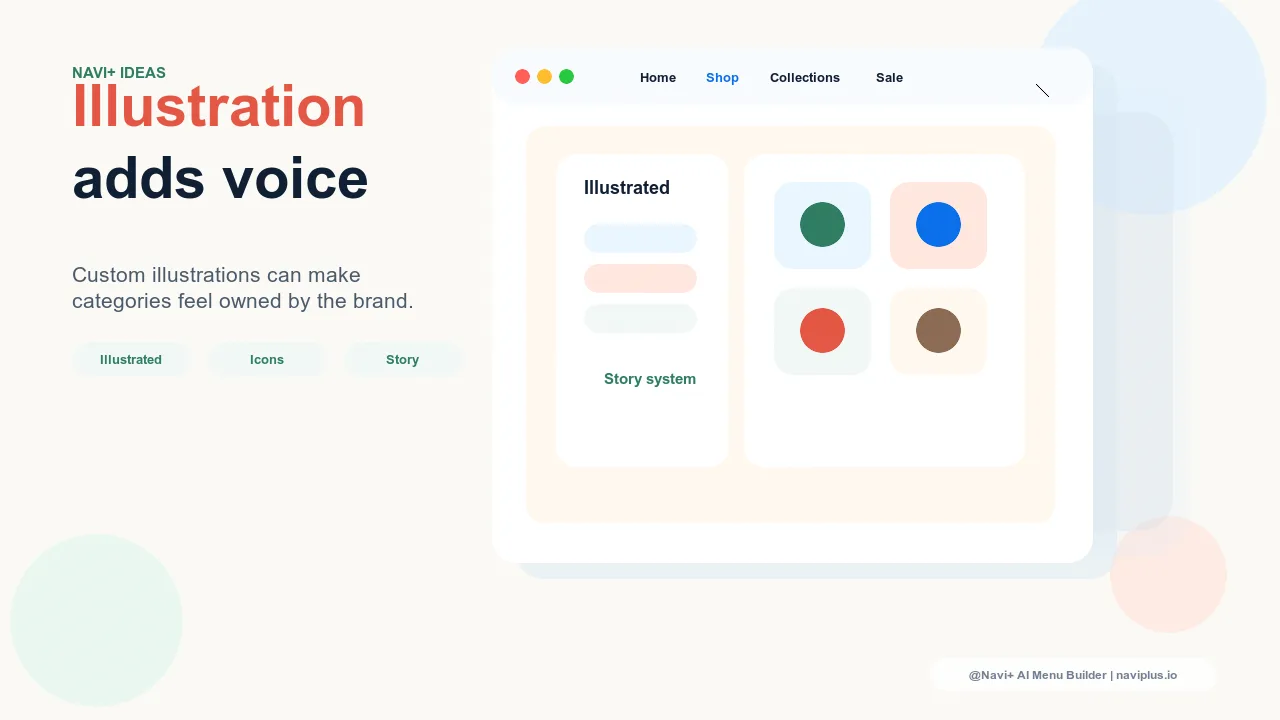
Illustrated navigation — when hand-drawn icons and custom illustrations create brand character that stock icons can't
 →
5 min read
→
5 min read
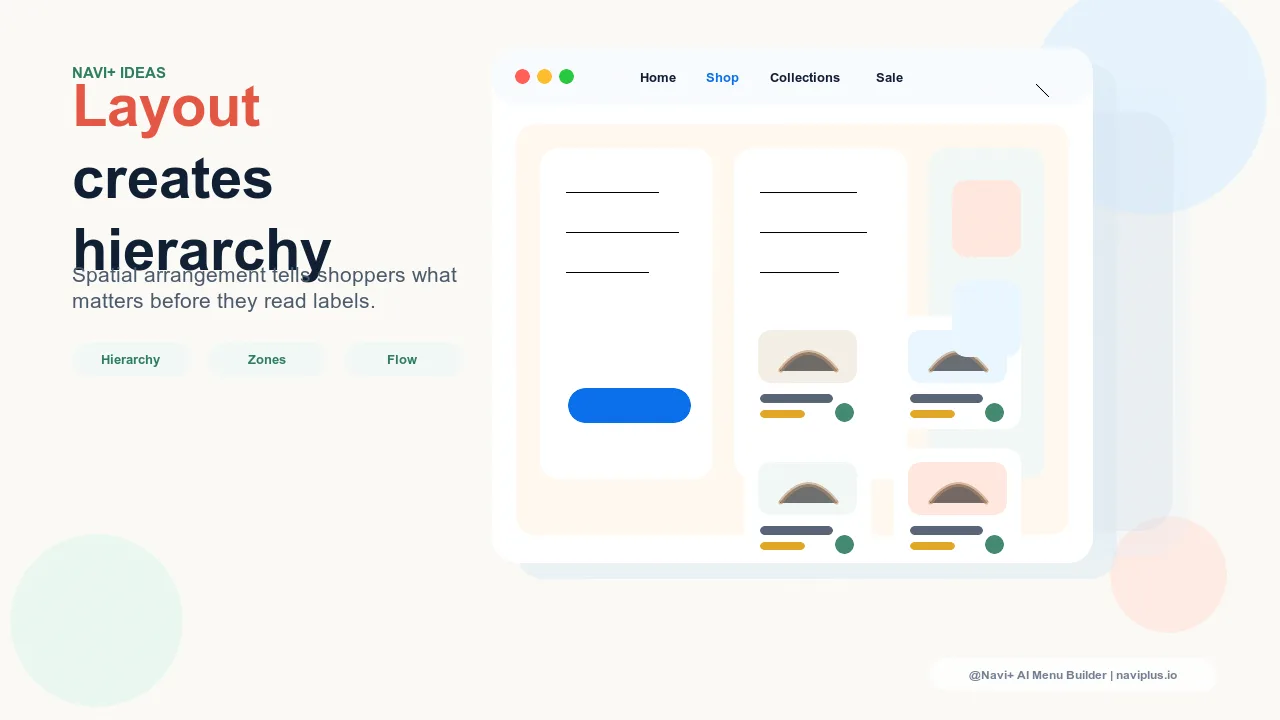
Spatial layout in navigation — how the physical arrangement of menu elements creates hierarchy and brand flow
 →
5 min read
→
5 min read
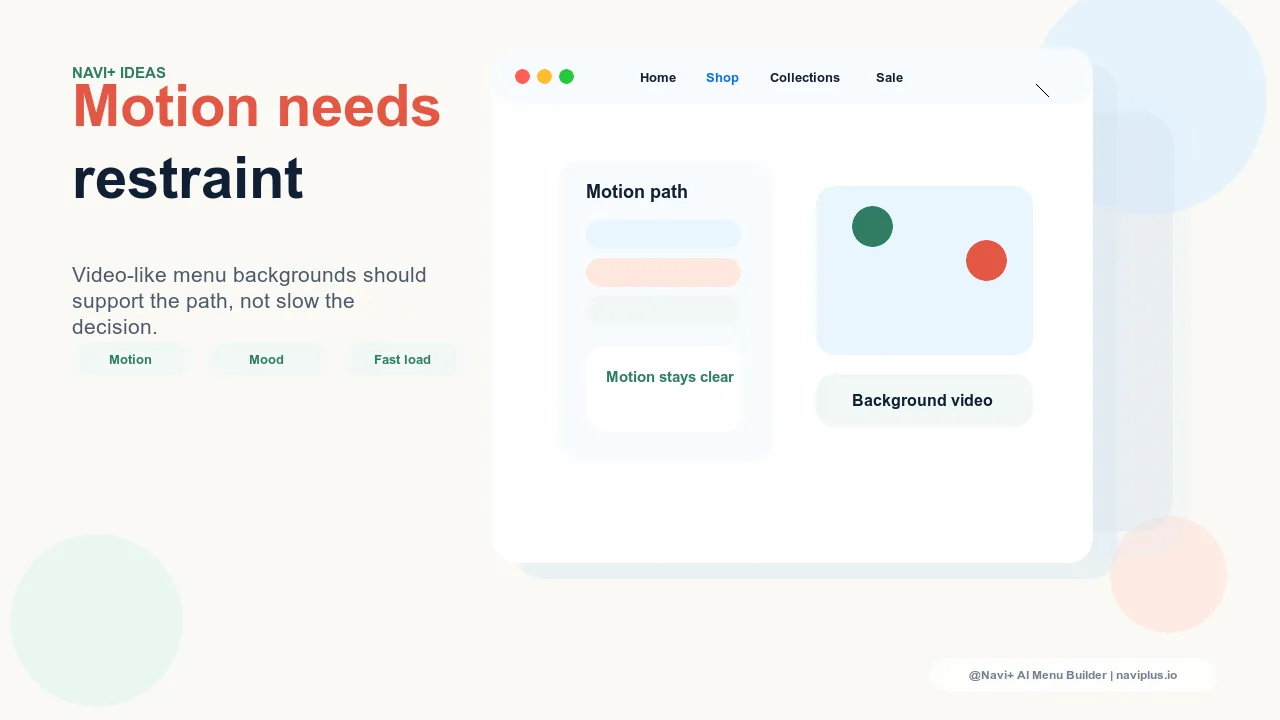
Motion and video in navigation backgrounds — when animated backgrounds enhance brand expression without slowing menus
 →
5 min read
→
5 min read
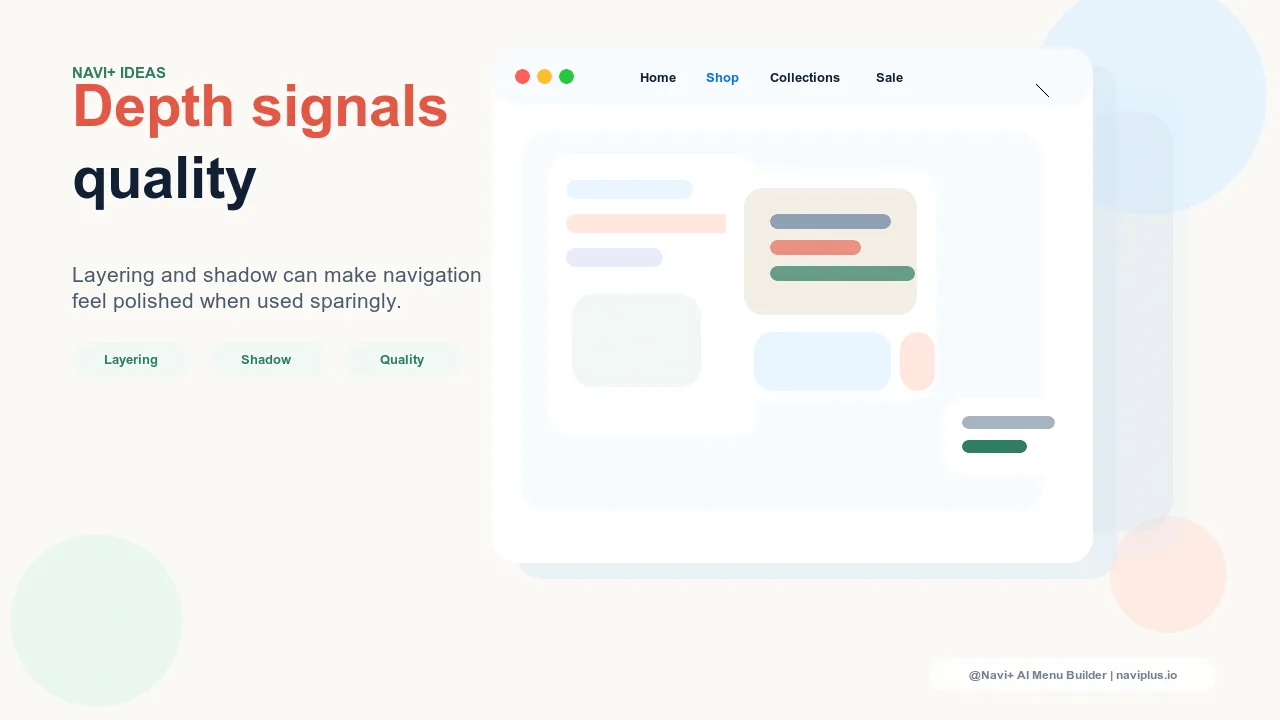
3D depth and layering in navigation — how shadows, elevation, and z-axis design create perceived quality
 →
5 min read
→
5 min read
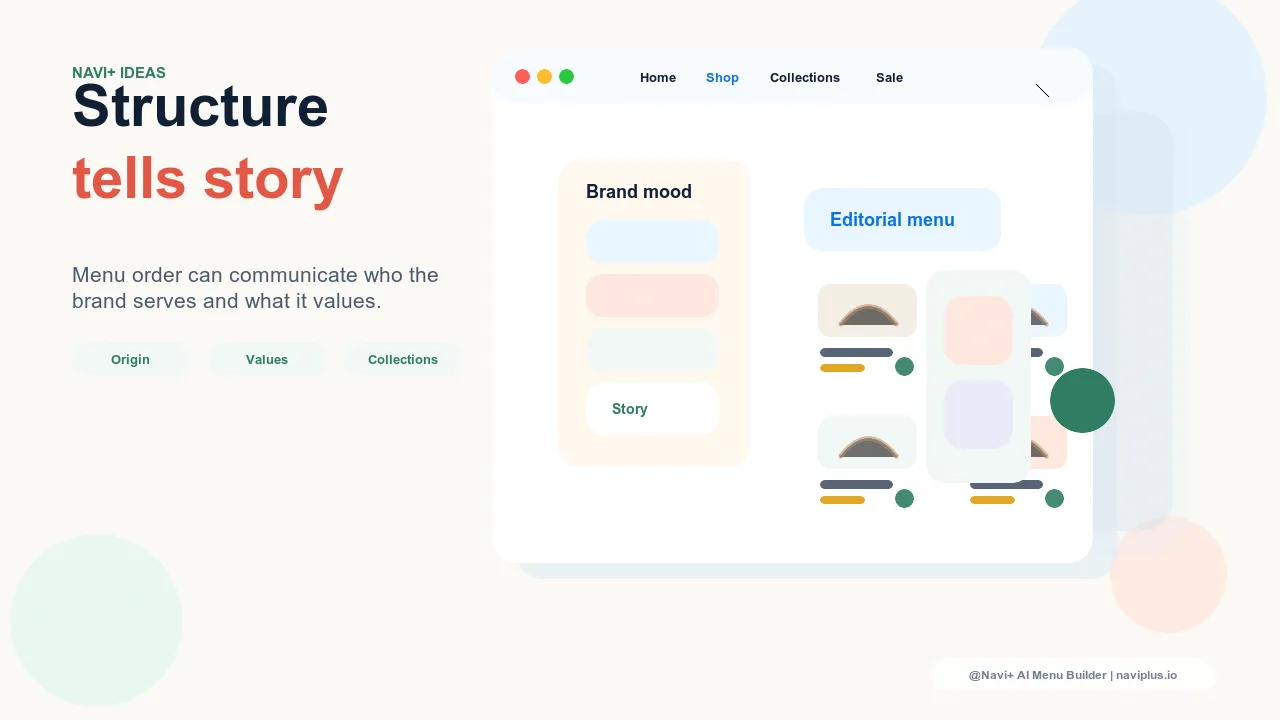
Navigation that tells your brand story — using menu structure to communicate who you are, not just what you sell
 →
5 min read
→
5 min read
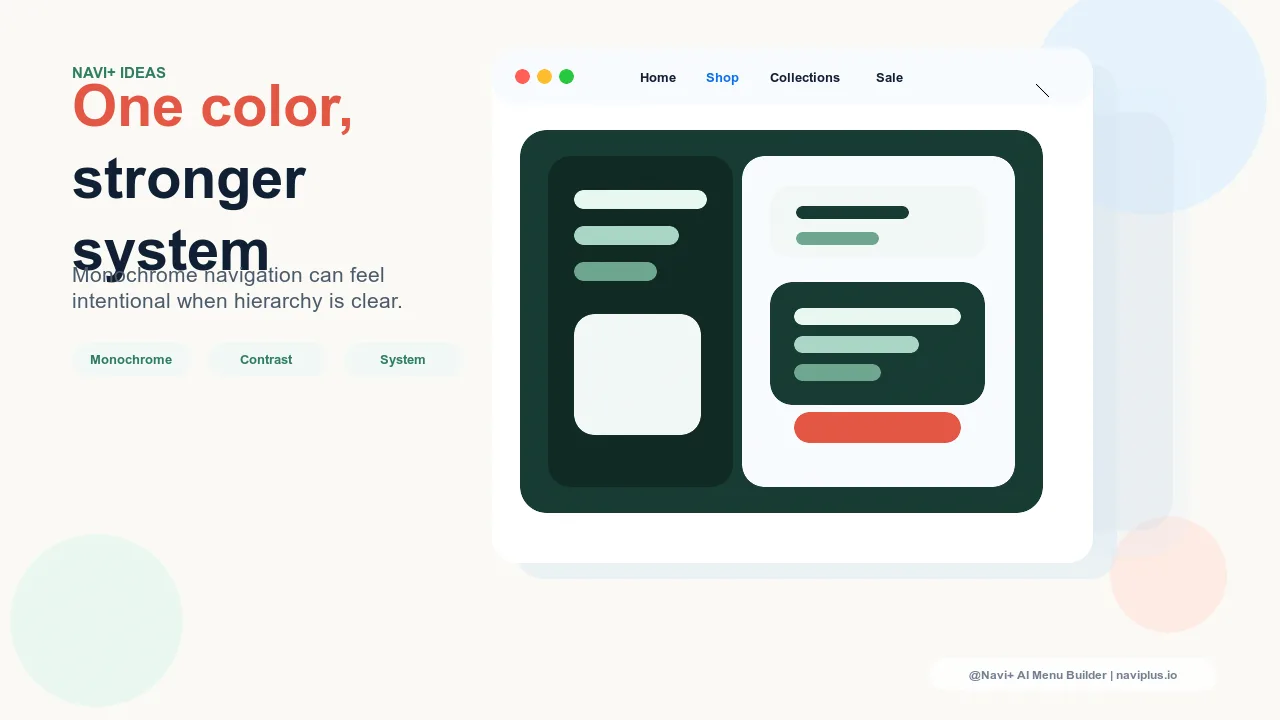
Monochrome navigation design — why single-color menus create stronger brand identity than multi-color systems
→
5 min read